


Meet the Updated EBank: Global Business Accounts, Employee Accounts, Digital Wallets and Token Launches
Meet the Updated EBank: Global Business Accounts, Employee Accounts, Digital Wallets and Token Launches
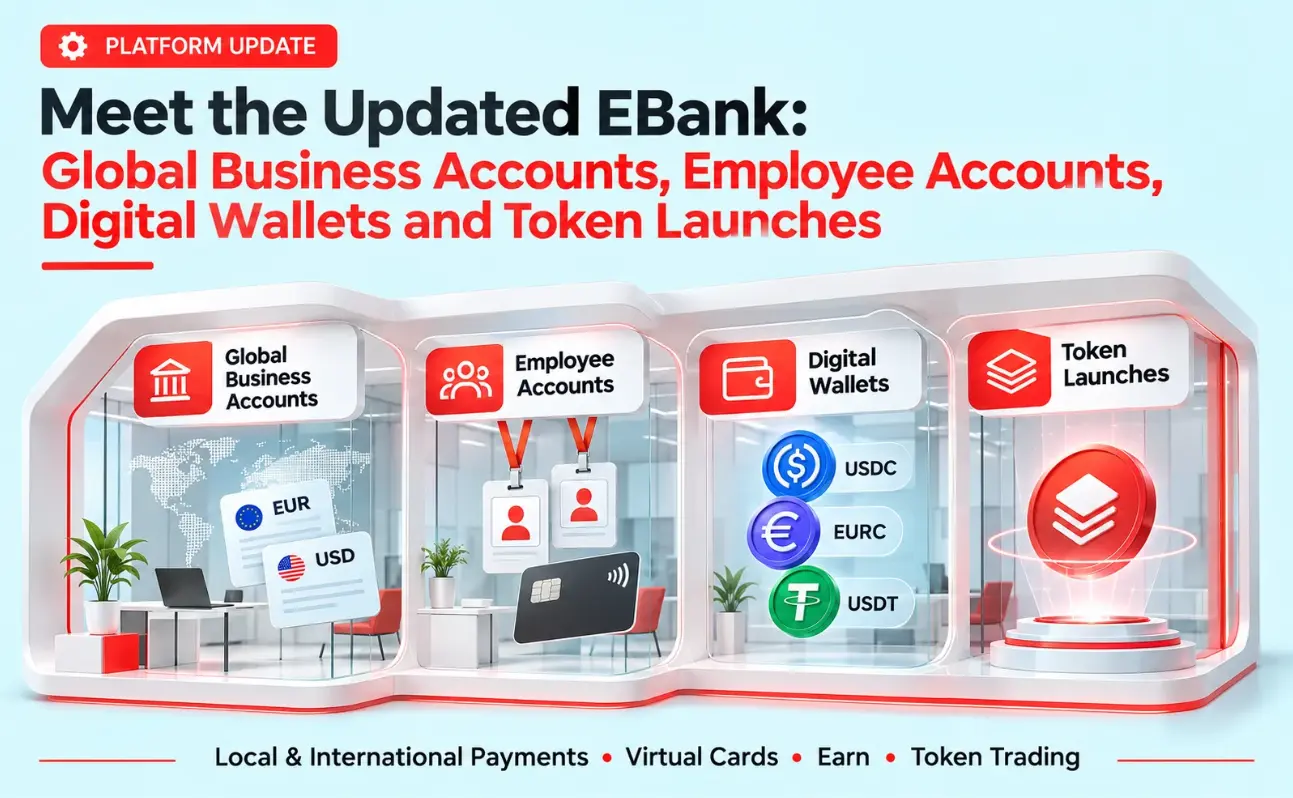
EBank brings business accounts, employee financial services and digital asset tools into one platform.
Businesses can manage accounts for supported local markets, receive payments, exchange currencies and organise company spending. Employees can join through company invitations, access their own dashboards and use eligible payment and card features. Digital wallets introduce additional ways to receive and transfer stablecoins, access Earn, trade supported tokens and launch a token of your own.
This update expands what users can do through EBank while bringing balances, transactions and account management into a connected experience.
Business Accounts for Different Countries and Local Markets
International business becomes easier when customers can pay using account details suited to their market.
EBank allows eligible business customers to apply for accounts in supported countries and regions from their business profile. Once approved and activated, these accounts provide the receiving details and payment methods available for that location and currency.
A company serving customers in several markets can organise its collections across suitable accounts instead of relying exclusively on international transfers to a single destination.
For example, a business working with customers in Europe and the United States can apply for appropriate EUR and USD accounts. It can then share the corresponding receiving details with customers and accept supported payments into those accounts.
Businesses can use this functionality to:
Country, currency and payment-method availability depend on the company’s eligibility, verification status and applicable account requirements. Applying for an account does not guarantee approval in every jurisdiction.

Receive Local and International Payments
Activated accounts display the receiving information associated with their supported payment methods.
Depending on the account, businesses can receive local bank transfers, European transfers or international payments.
Users can select an account, review its currency and payment instructions, and copy the relevant details to share with a customer or business partner.
The receiving details must match the intended payment method. Local account instructions and international transfer instructions are not automatically interchangeable.
This gives businesses a clearer collection process: select the appropriate account, share the correct instructions and monitor the incoming payment through its processing stages.
Send Payments and Manage Beneficiaries
EBank supports outgoing payments through the methods available to the selected account.
Businesses can register beneficiaries, enter the required recipient information and prepare payments for suppliers, contractors or other business partners.
The required information depends on the destination and payment method. A local payment may require different details from an international transfer.
Before submitting a payment, users can review the recipient, amount, currency and applicable charges. Afterwards, they can follow the operation’s status in their transaction history.
Saved beneficiaries reduce repeated data entry for recurring business relationships. Users should still check recipient details before each payment.

Exchange Currencies When Needed
Businesses often receive funds in one currency and need another for expenses.
EBank’s currency exchange tools let users prepare conversions between supported currencies and review a quotation before confirming.
A company can retain funds for expenses in the same currency or convert a selected amount for another payment.
The quotation shows the amounts applicable to the proposed conversion. Quotes have a limited validity and may need to be refreshed as exchange rates change.
This allows businesses to make currency decisions as part of their payment workflow rather than automatically converting every incoming payment.

Dedicated Employee Accounts
EBank now supports employee accounts linked to a company.
Each employee uses their own login and dashboard. The account connects the employee to the inviting business while keeping their personal access separate from the company owner’s credentials.
This creates a practical foundation for employee payments, eligible cards and individual transaction visibility.
Invite Employees by Email
A business sends an invitation to the employee’s email address.
The employee follows the invitation, registers or signs in using the matching email address, and links their account to the inviting company.
Employees do not need the business owner’s password or access to the company’s full dashboard.
The invitation establishes the company relationship. Features requiring approval become available after the employee completes the applicable onboarding and verification steps.
Complete Individual Verification
Employees complete their own identity verification before accessing eligible fiat balance and card features.
The verified employee profile is connected to the company invitation, helping ensure that the intended person receives access to the relevant services.
Receive Company Payments
Eligible employees can receive supported internal payments into their EBank balances using their platform receiving details.
Businesses can use individual internal transfers for purposes such as salary payments, bonuses or expense reimbursements.
Employee fiat balances are maintained within the platform. Creating an employee account does not automatically open a separate international bank account or provide a personal IBAN.
Manage Balances and Transactions
Employees can review their available balances and payment history from their own dashboards.
Where enabled, they can also use supported internal payment, beneficiary and currency exchange features.
This gives employees visibility into incoming payments and subsequent activity without exposing the company’s wider financial information.
Access Employee Cards
Eligible employees can access cards assigned to them through the company’s card programme.
After onboarding and approval, the employee can view their cards, access protected card details and review available card activity.
Supported digital wallet connections depend on the card programme and the employee’s eligibility.
Keep Access Separate
An employee account provides access to that employee’s eligible balances, cards and records.
It does not automatically grant access to the company owner’s accounts, other employees’ information or business administration.
The company and employee remain connected through the invitation and card relationship, with separate access to their respective services.
Virtual Cards and Company Spending
EBank includes virtual card issuance and management for eligible accounts and enabled card programmes.
Businesses can access available company card features and organise employee card access. Cardholders can use supported controls and review relevant card information through the platform.
Depending on the programme, available functionality can include:
Card issuance remains subject to the applicable onboarding, verification and approval requirements.
Digital Wallets for Stablecoins
The Wallet section gives users access to supported digital assets alongside the platform’s banking features.
Depending on the account configuration and network, supported assets can include USDC, EURC and USDT.
Users can view individual asset balances, access receiving details and review wallet transactions.
The total wallet balance is presented as a USDC equivalent, giving users a common reference for supported holdings. This is a valuation display: it does not automatically convert every asset into USDC.
Available wallet functionality includes:
Before sending funds, users must check both the asset and the network. An address alone does not establish support for every token or blockchain.

Buy USDC Directly from the Wallet
The Buy USDC feature lets users begin a purchase from their EBank wallet.
Users enter an amount, choose an available payment currency and review the purchase offers returned by the enabled payment methods.
They can then continue through the required payment and verification steps.
The available quotation depends on factors such as location, amount, currency and payment method. Users can review the purchase terms before proceeding.
Payment processing and wallet delivery are separate stages. The operation can remain in progress while the payment is completed and the purchased assets arrive.
This provides a route into a funded digital wallet for users who do not already hold cryptocurrency elsewhere.
Network Fee Sponsorship for Supported Operations
Digital asset transactions require a network fee, commonly called gas.
For eligible operations with fee sponsorship enabled, EBank can cover that network cost on the user’s behalf.
This helps users complete supported actions without first obtaining a separate network token solely to pay the transaction fee.
Coverage depends on the operation and platform configuration. Token trading and token launches can still require ETH and additional network fees, so users should review each confirmation carefully.
Earn from Eligible Wallet Assets
The Earn section provides access to the earning products configured for the platform.
For supported wallet-based products, users can review the current annual percentage yield, deposit eligible assets and monitor their positions.
Where available, the interface also displays total value locked and available liquidity.
Projection tools help users explore how an entered amount could change over different periods at the displayed rate.
For variable-yield products, the six-, twelve- and twenty-four-month selections are projection periods. They do not create a fixed interest rate, guaranteed return or promised maturity payment.
Users can review their positions and request withdrawals through the supported workflow. Completion depends on the product’s conditions, liquidity and transaction processing.
Where separate fixed-term products are offered, their specific terms apply independently.

Market News Within Earn
When enabled, Market News displays recent headlines within the Earn section.
Users can review relevant financial and digital asset news alongside their earning activity.
This adds useful context when following markets, while keeping news separate from account balances and product terms.
Headlines and projections are informational and do not establish the future performance of an asset or earning product.
Launch Your Own Token
The Launch Your Coin workspace introduces a guided process for creating and publishing a token on the supported blockchain network.
Users can prepare a token by adding:
Images can be uploaded or loaded from a supported image link.
Before publication, the launch review presents the selected wallet, network and launch information. The user must explicitly confirm the launch.
Launching a token does not automatically purchase it on the creator’s behalf.
Published token information becomes public on the blockchain, so users should carefully check the token’s identity and launch settings before confirming.
A token can serve as the starting point for a creator project, an online community or an experimental digital asset. Issuance alone does not give holders equity, ownership rights or a guaranteed financial return.

Choose a Standard or Game-Based Launch
The launch workspace provides a standard launch path and, where available, a game-based Play to Buy path.
For a standard launch, the creator can skip game selection and review the applicable launch settings directly.
A game-based launch adds an interactive stage before open trading. The creator selects an available game and chooses a launch time from the available schedule.
Players participate under that game’s rules to earn access to purchasing the token before open trading begins.
Games can differ in format, supported devices and scheduling. Some require desktop access.
Game-based launches can have additional access authorisation requirements and are available only when the relevant launch functionality is enabled and operational.
How Games Connect to Earning Opportunities
Play to Buy connects gameplay with participation in a token launch.
The opportunities differ for players, token creators and game developers.
For Players
Gameplay can provide the right to buy a token according to the launch rules.
Playing does not automatically produce a cash payment, and obtaining early purchase access does not guarantee a profitable trade.
For Token Creators
Eligible launches can generate a share of trading fees when qualifying trading activity takes place.
This gives creators a potential revenue stream connected to activity around their token.
The amount depends on actual trading and the applicable fee distribution.
For Game Developers
Supported game-based launches can allocate part of the applicable trading-fee revenue to the selected game.
This connects the game developer’s participation to activity around eligible launches.
The relevant distribution is shown in the launch workflow. Revenue is not guaranteed, and a displayed token market capitalisation is not money paid to the creator or developer.
Buy and Sell Supported Tokens
The token workspace includes a Buy / sell interface.
Users can select a supported token, enter an amount and request a quotation.
Before confirming, they can review:
Slippage tolerance sets the permitted difference between the reviewed quotation and execution.
Quotes remain valid for a limited period and may need to be refreshed before confirmation.
The current trading flow uses ETH: buying exchanges ETH for tokens, while selling exchanges supported tokens for ETH.
Network fees are additional. Stablecoin balances are not automatically converted to fund a trade, so users need the required asset and sufficient ETH for applicable network costs.
Token prices and liquidity can change quickly. A quotation does not guarantee that a token can always be bought or sold at the same price.
Monitor Your Launched Token
The Wallet page includes a token widget for supported tokens associated with the profile or wallet.
Where market data is available, the widget can display:
This gives creators a convenient place to follow their token after publication.
Newly launched or inactive tokens may have limited market data. Unavailable information is displayed as unavailable rather than presented as a confirmed zero value.
More Detailed Transaction Records
EBank’s transaction views help users follow account and wallet activity.
Users can apply relevant filters, inspect operation details and distinguish payments, deposits, exchanges and processing fees.
Different stages of an operation remain visible through their statuses, helping users understand whether an action is pending, completed or requires attention.
Available statements and exports depend on the account and service.

Platform Processing Fees
Platform processing fees follow the tariffs configured by the administrator.
They are calculated within EBank and reported in the platform’s main currency.
When an operation uses another currency, the calculation applies the relevant foreign exchange conversion.
Platform processing fees, network costs and other applicable charges serve different purposes. Users should review the information presented for the specific operation before confirming.
Verification, Security and Support
EBank connects financial features to the appropriate account and verification requirements.
Business onboarding can include company information and checks for owners or directors. Employee cardholders complete their own required identity checks.
Users can manage profile information and passwords, enable two-factor authentication and contact support through tickets.
Support conversations remain accessible within the platform, allowing users to provide additional information and follow replies.
Additional services, including financing applications and repayment tools, can be made available when their modules are enabled and the customer meets the applicable requirements.
A Connected Financial Workspace
The updated EBank brings together tools for international business operations, employee financial access and digital assets.
Businesses can organise collections across supported markets, manage currencies, send payments and provide eligible services to employees.
Employees gain their own dashboards, balances, transaction visibility and card access.
Wallet users can receive and transfer supported assets, buy USDC, access eligible earning products and explore token creation and trading.
Available services depend on the customer’s account type, location, verification status and the modules enabled for their account. EBank brings those eligible capabilities into one workspace, with review and confirmation steps that help users understand each action before proceeding.